From proof to pickup
01 Capture the exact request
Give each job an order ID. Write the name exactly, including case, punctuation, spaces and line breaks. Add the item, size, quantity, color and placement. Keep contact details in your private order record.
02 Save a clear decision
Create the actual proof in your normal design tool. Label it with the order ID and version. Ask for approval of that version or a list of changes, then save the reply. No reply means pending.
03 Reopen approval after a change
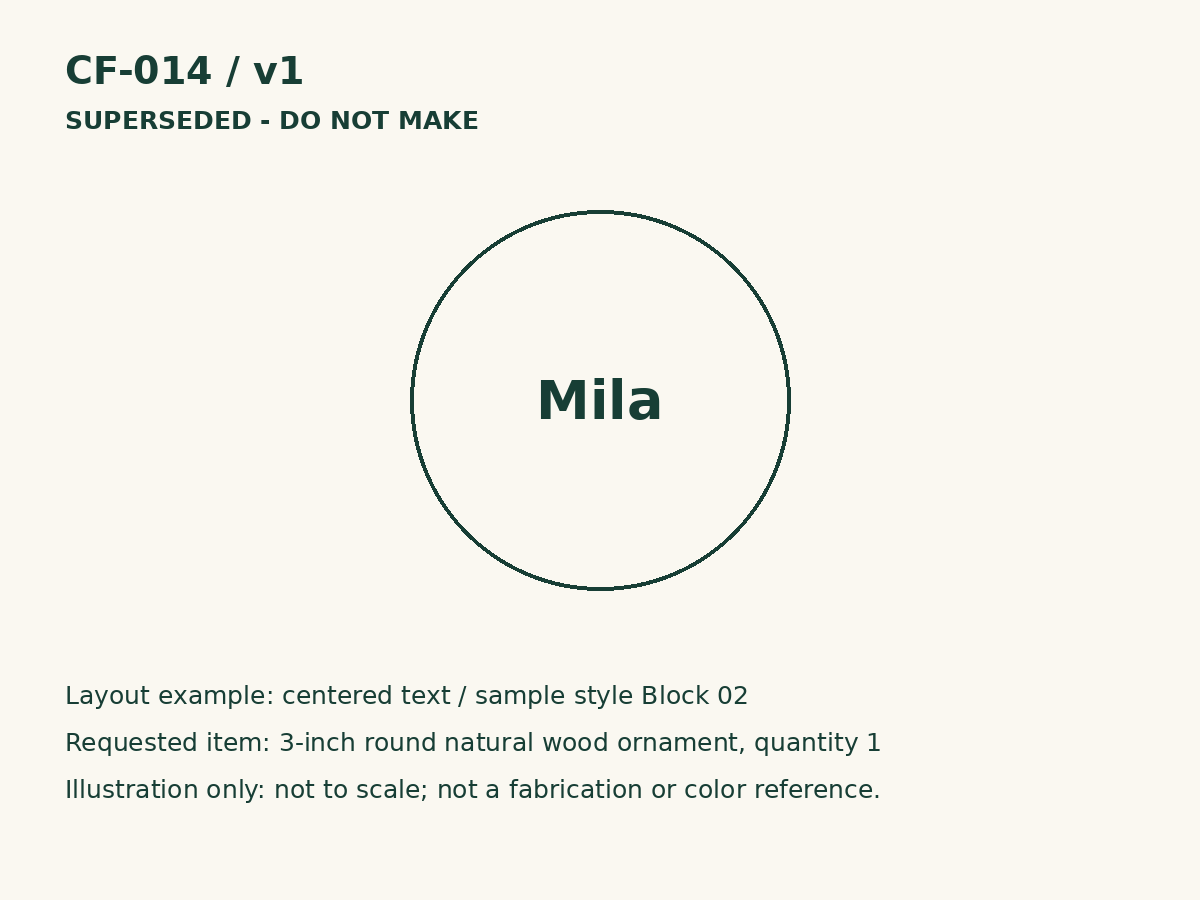
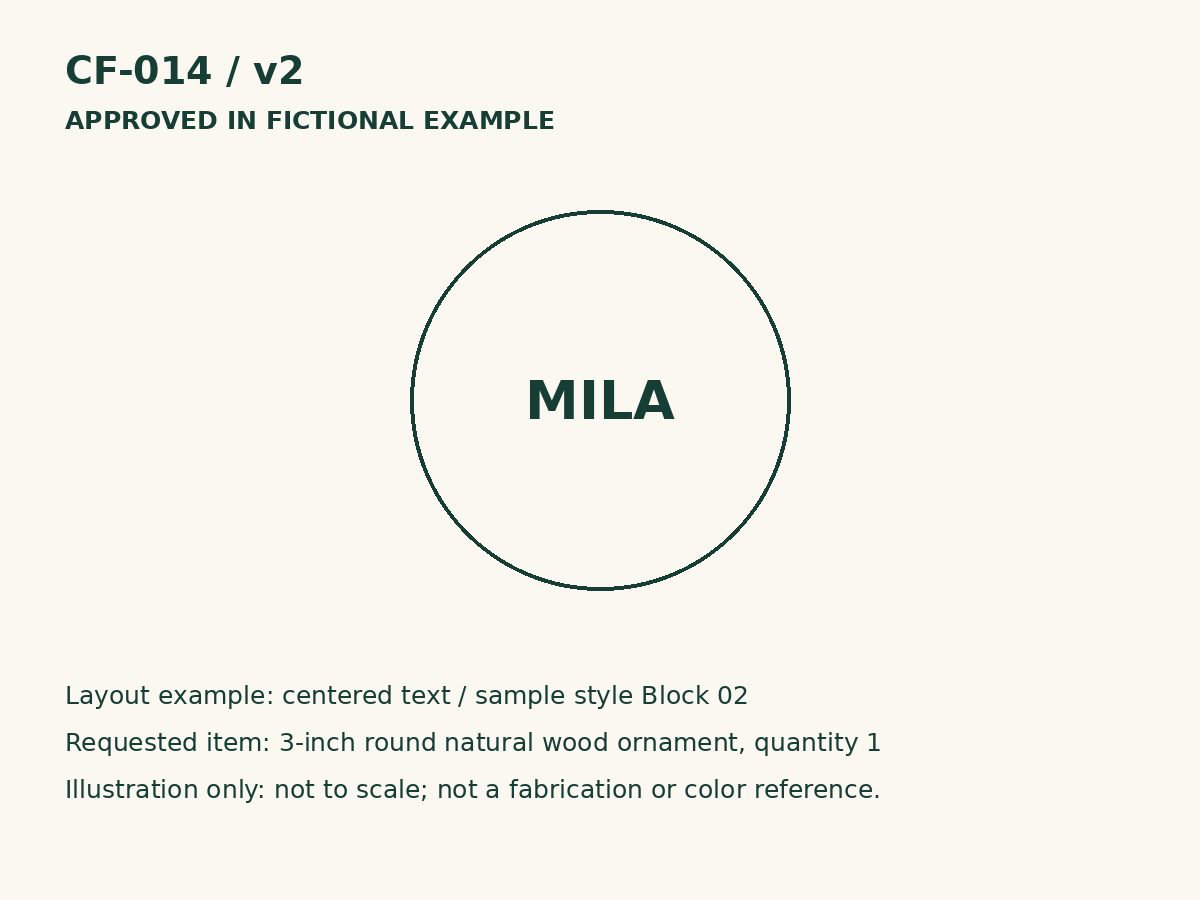
If the customer changes anything, save a new version. Confirm any price or date effects and keep the superseded proof out of production. In our example, only v2 is released to make.
04 Compare the physical item
Check the finished text letter by letter against the approved proof. Check the physical details and quantity too. Mark a mismatch HOLD, resolve it and check again before marking READY.
05 Record the actual handover
Use the order ID on an internal package tag. Match it to the private order record at pickup. Record actual collection or shipping. A ready message is not a completed handover; payment status stays in your checkout system.